A random US address generator is useful when a product needs realistic address-shaped data, but should not use production customer records. Use it for forms, checkout screens, dashboards, receipts, saved QA samples, and demos where the goal is field behavior, not real-world delivery.
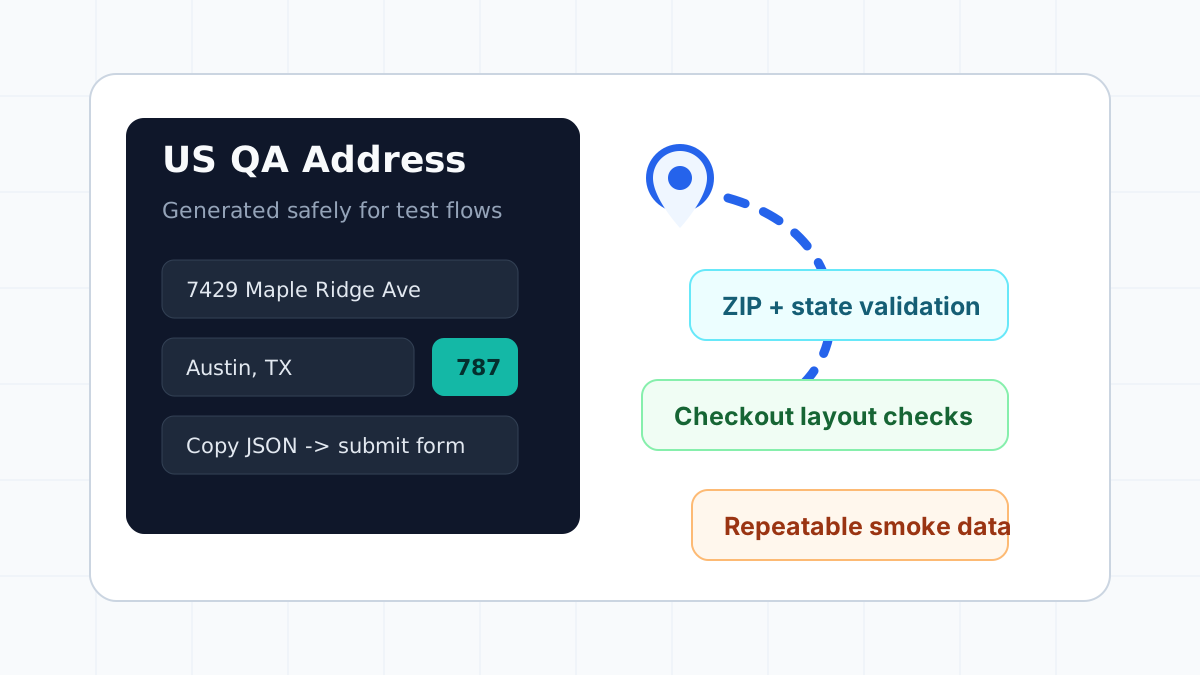
GeoMock's US address generator creates synthetic records with a street, city, state, ZIP code, phone-like data, and copyable JSON. That makes it easy to test the screens people search for most often: "random US address generator for testing", "fake US address for QA", "US ZIP code test address", and "sample address for checkout form".
When to use random US addresses
Use generated US addresses when the workflow needs realistic variation and low privacy risk.
| Workflow | What to test | Why random data helps |
|---|---|---|
| Signup | Required address fields | Avoids production PII in test accounts |
| Checkout | Shipping, billing, tax estimates | Exercises full address submission flows |
| CRM import | CSV mapping and state normalization | Catches field order and casing problems |
| Mobile cards | Long street and city display | Reveals wrapping and truncation defects |
| JSON output | Structured payload shape | Gives tests realistic fields without PII |
| Demo environments | Believable profile data | Makes product walkthroughs easier to read |
For postal standards context, the USPS publishes Publication 28 Postal Addressing Standards. That reference is helpful for understanding US address components, abbreviations, and ZIP+4 formatting. GeoMock is not a deliverability validator, so treat generated data as QA input, not proof that a carrier can deliver to a location.
A practical QA workflow
Start with one address and follow it through the product.
- Generate a US address from GeoMock.
- Paste the street, city, state, and ZIP code into the form.
- Submit the form and inspect the saved payload.
- Confirm the same address renders in account pages, order summaries, emails, PDFs, and admin tables.
- Repeat with a different state and one longer street line.
This catches a class of defects that static examples miss. A single saved sample may pass forever, even if the product breaks on a longer city name, a ZIP+4 value, or a different state abbreviation.
Fields to verify
Do not stop at "the form submitted." Check how each field survives the trip from browser to database and back.
| Field | Good test case | Common bug |
|---|---|---|
| Street | Unit number or long street name | Unit is dropped or line wraps poorly |
| City | Short and long city names | Mobile layout overflows |
| State | Two-letter abbreviation | Full name and code get mixed |
| ZIP code | 5-digit and ZIP+4 style values | Regex rejects a valid-looking variant |
| Phone | Parentheses, spaces, hyphens | Formatting strips useful characters |
| Full string | Copied summary and JSON response | Display order differs between surfaces |
Search-friendly internal links
If your team is building a full test matrix, pair this guide with:
- Address Form Testing Checklist
- Postal Code Validation Test Cases
- Global Address Format Guide
- All country address generators
Safety rules
Generated records should stay in QA, staging, documentation, and demos. Do not use them for real delivery, payment circumvention, identity checks, fraud, or platform policy evasion. When a business process requires proof that an address exists, use an address verification provider or official postal workflow.
FAQ
Is a random US address generator safe for testing?
Yes, when the output is synthetic and used only in test or demo environments. It is safer than copying real customer data into screenshots, staging databases, or pull request test data.
Can generated US addresses prove deliverability?
No. Generated addresses are for software QA. They can help test address-shaped input, but they do not replace USPS verification, carrier validation, or a shipping provider's deliverability decision.
How many random US addresses should QA use?
Use one stable smoke example for every pull request, then rotate fresh generated addresses in nightly, release, and localization test runs.