A fake address generator for signup forms helps teams create test accounts without collecting or reusing real user addresses. The best use case is not "pretend this person exists." The best use case is "make our product handle address-shaped data correctly."
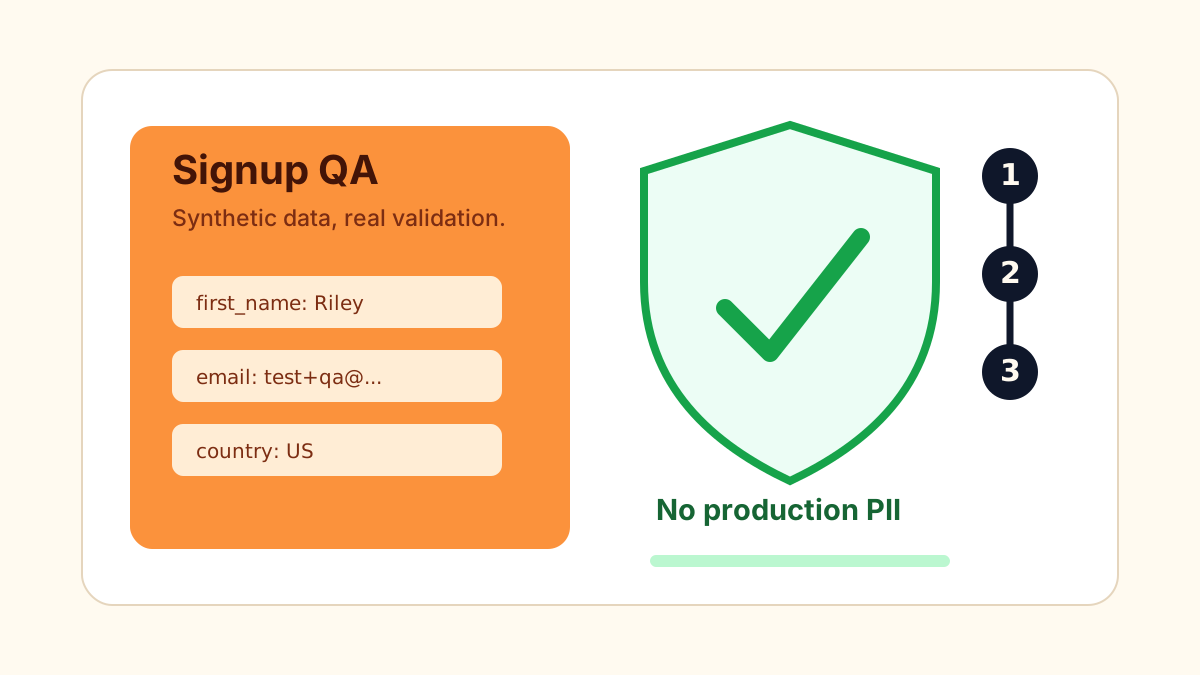
Searchers often phrase this need as "fake address for signup", "sample address for test account", "random address for registration form", or "test user address without personal data." GeoMock is built for that exact privacy-safe QA pattern.
Why signup forms need address variation
Signup forms are frequently reused across onboarding, billing, shipping, and profile settings. A field that works during account creation can still fail later when the same data appears in a table, card, invoice, or support sidebar.
Use GeoMock to generate synthetic data for:
- New account registration.
- Profile completion.
- Organization billing setup.
- Shipping preference setup.
- Marketplace seller onboarding.
- Internal admin user creation.
- Demo accounts used by sales or support.
Signup test matrix
Run each generated address through the entire lifecycle, not just the first form.
| Step | Test question | What to inspect |
|---|---|---|
| Account creation | Can the user submit valid fields? | Required labels and validation messages |
| Email confirmation | Does the address appear anywhere? | Unwanted PII-like leakage in templates |
| Profile edit | Can the user update address fields? | Country and postal code dependencies |
| Saved card | Does the address wrap cleanly? | Mobile and desktop card layouts |
| Admin view | Can support read the address quickly? | Table columns and truncation behavior |
| Export | Is the payload preserved? | CSV, webhook, CRM, and JSON field names |
If your product supports multiple countries, include at least one US record and one non-US record from the country address generator directory. Country changes are where many signup forms keep stale state or postal code validation from the previous selection.
Privacy-first test data rules
Synthetic addresses reduce risk, but only if the team treats them as synthetic.
- Do not mix generated addresses with real names, real emails, or real payment methods.
- Do not use generated data for identity verification or delivery.
- Label long-lived demo accounts as demo or test users.
- Keep generated accounts out of production analytics when possible.
- Delete test records that are no longer useful.
For teams replacing copied production data, read Synthetic Test Data for Address QA. Synthetic data works best when it is deliberately generated for a scenario, instead of scraped from a real customer table.
How to write better bug reports
When a signup defect appears, include the generated payload in the ticket.
{
  "country_code": "US",
  "street": "7429 Maple Ridge Ave",
  "city": "Austin",
  "state": "TX",
  "zipcode": "78701"
}
Then attach the surface where it failed: registration form, profile page, mobile card, email receipt, export file, or submitted JSON. That gives developers the exact fields they need to reproduce the issue without asking for real user data.
Related guides
- Random US Address Generator for Testing
- Localization QA with Synthetic Address Data
- Address Form Testing Checklist
FAQ
Why use a fake address generator for signup forms?
It gives product teams realistic field variation without copying real customer addresses into test accounts, screenshots, or staging databases.
Should generated addresses be stored in production?
No. Generated addresses are intended for testing, demos, documentation, and QA samples, not production customer profiles or real identity workflows.
What should a signup address test cover?
Test required fields, country changes, postal code validation, profile editing, saved address cards, emails, exports, and structured payloads.